Upload your design
Add a logo, photo, screenshot, or existing artwork.
 WEAR YOUR MINDSET
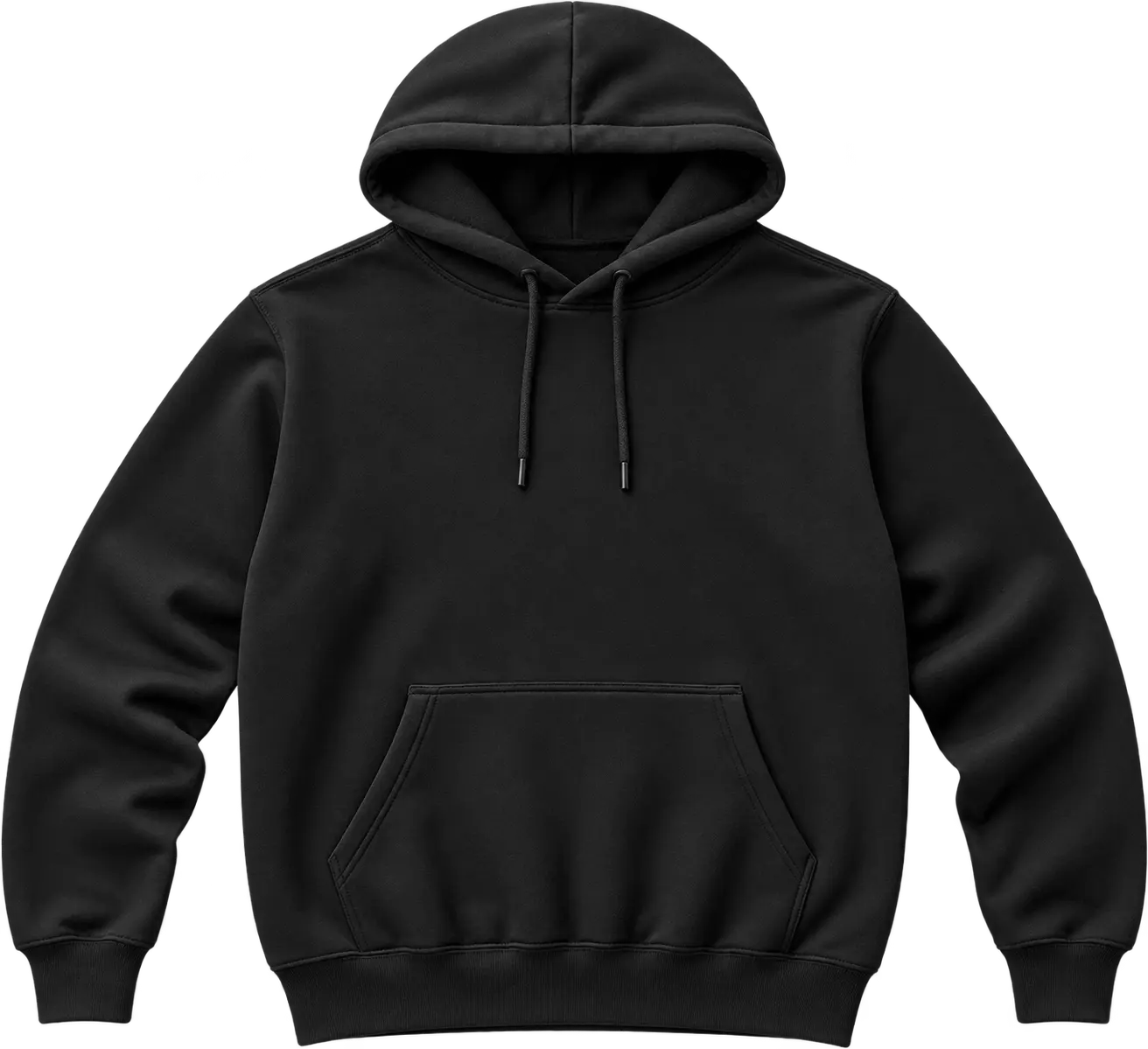
Upload your artwork, clean it up, place it on a garment, add simple text, and send the idea to PROSOCHE for a polished private proof.
Add a logo, photo, screenshot, or existing artwork.
Remove the background, resize, reposition, rotate, recolor, or add simple text.
Your request enters the Private Order Desk for review, pricing, and a polished approval link.
This is a design-request preview, not a production file. PROSOCHE reviews every request before pricing or production.
This panel appears only when you open Owner Mock Mode from Store Manager. Saving requires your owner PIN.
The customer can review/approve the mock, switch among the garments, colors, sizes, and print locations you allowed, see the mock update live, and purchase when enabled. Sleeve printing stays hidden unless you turn it on; when off, you can still let the customer request it.
Final price is confirmed after PROSOCHE reviews the garment, artwork, quantity, and print setup.
Send the idea anyway. Choose “I want PROSOCHE to refine this” and we’ll use your concept as the starting point.
No. The visualizer intentionally does not set final custom pricing. PROSOCHE reviews garment type, quantity, print placement, artwork prep and availability before sending the final private proof and price.
Yes. The visualizer includes an on-device background removal option. You can also request additional cleanup in your notes.
Yes. Select Front + Back and upload artwork for each side, or copy the front artwork to the back as a starting point.
Yes. Your submission becomes a draft in PROSOCHE’s Private Order Desk. A private proof is sent for approval before production.
Your request has been added to the Private Order Desk for review.